 Marumori
MaruMori Knowledge Base
Learn how to use MaruMori and study Japanese effectively
Study lists (2) - List management + adding items + changing daily lessons
Editing study lists
Now that you know exactly what a study list is and the different types we have here in MaruMori, it's time to learn how to edit them and curate that personal study list to perfection!
To start, click on any of your lists from the Study List page to pull up an overview:
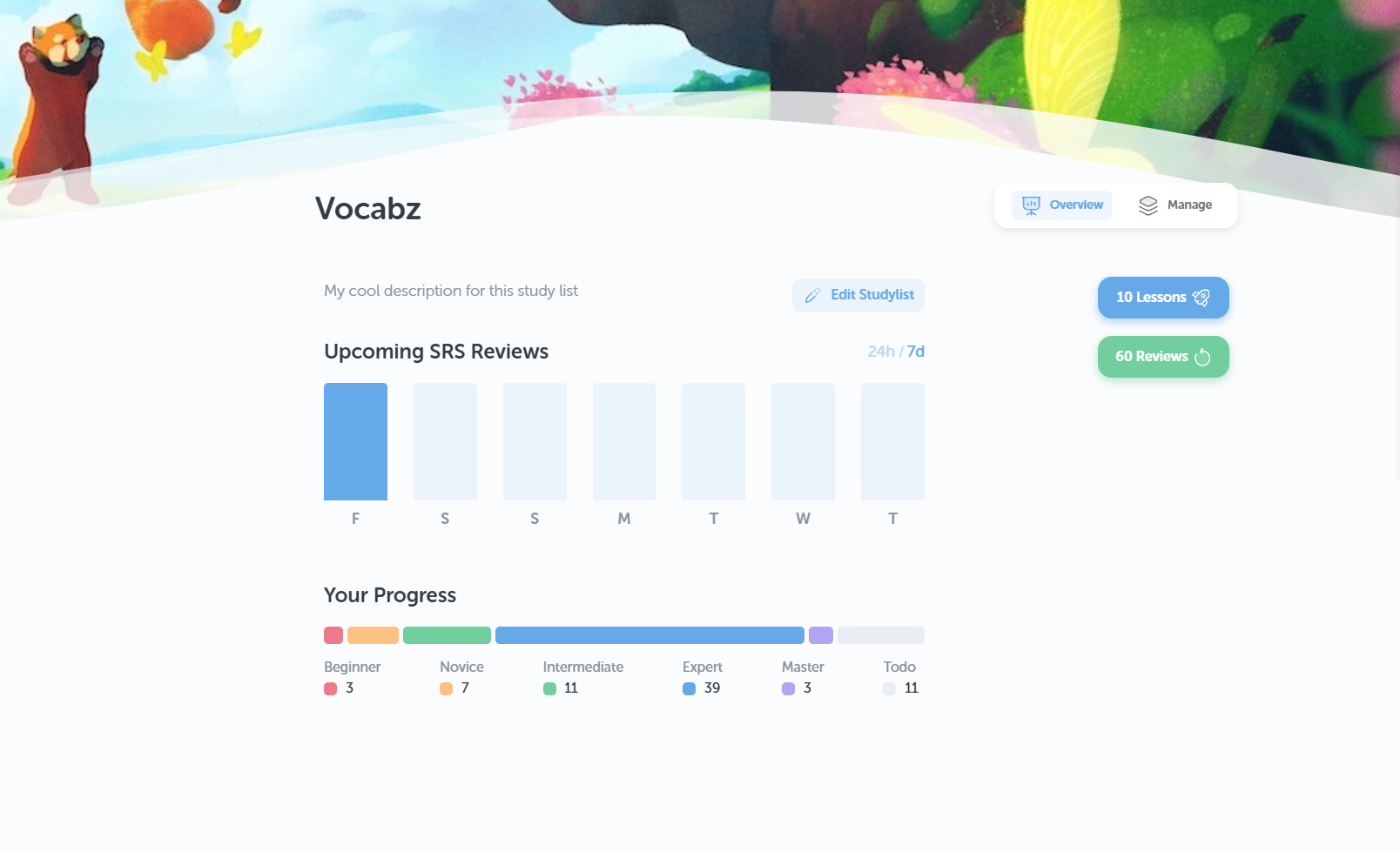
From here, you can click on "Edit Studylist" to pull up the edit modal. If the list is custom, you'll see the following options:
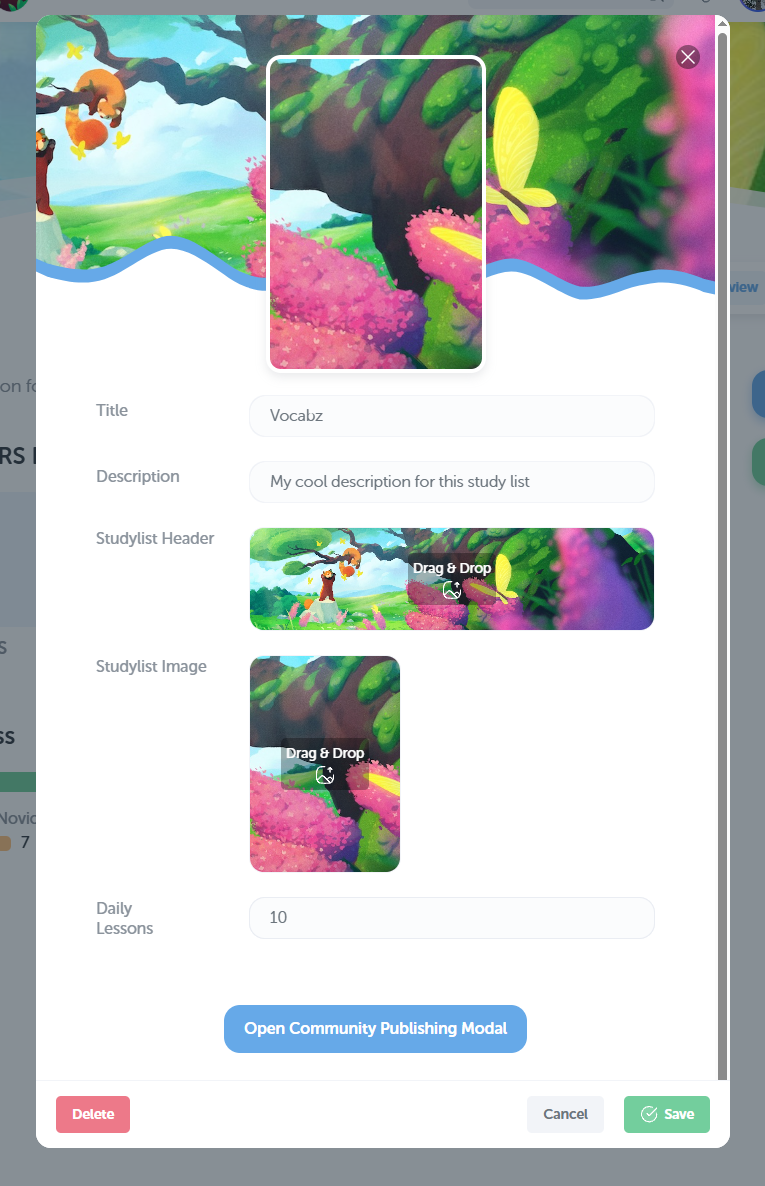
From here, you can edit your study list's title, description, image, header, as well as the number of daily lessons . (Or delete your study list entirely!)
You can also click on "Open Community Publishing Modal", which is where you can put your awesome study lists live for everyone to use!
Managing study list items
From the overview page, click on "Manage" to bring up the management page:
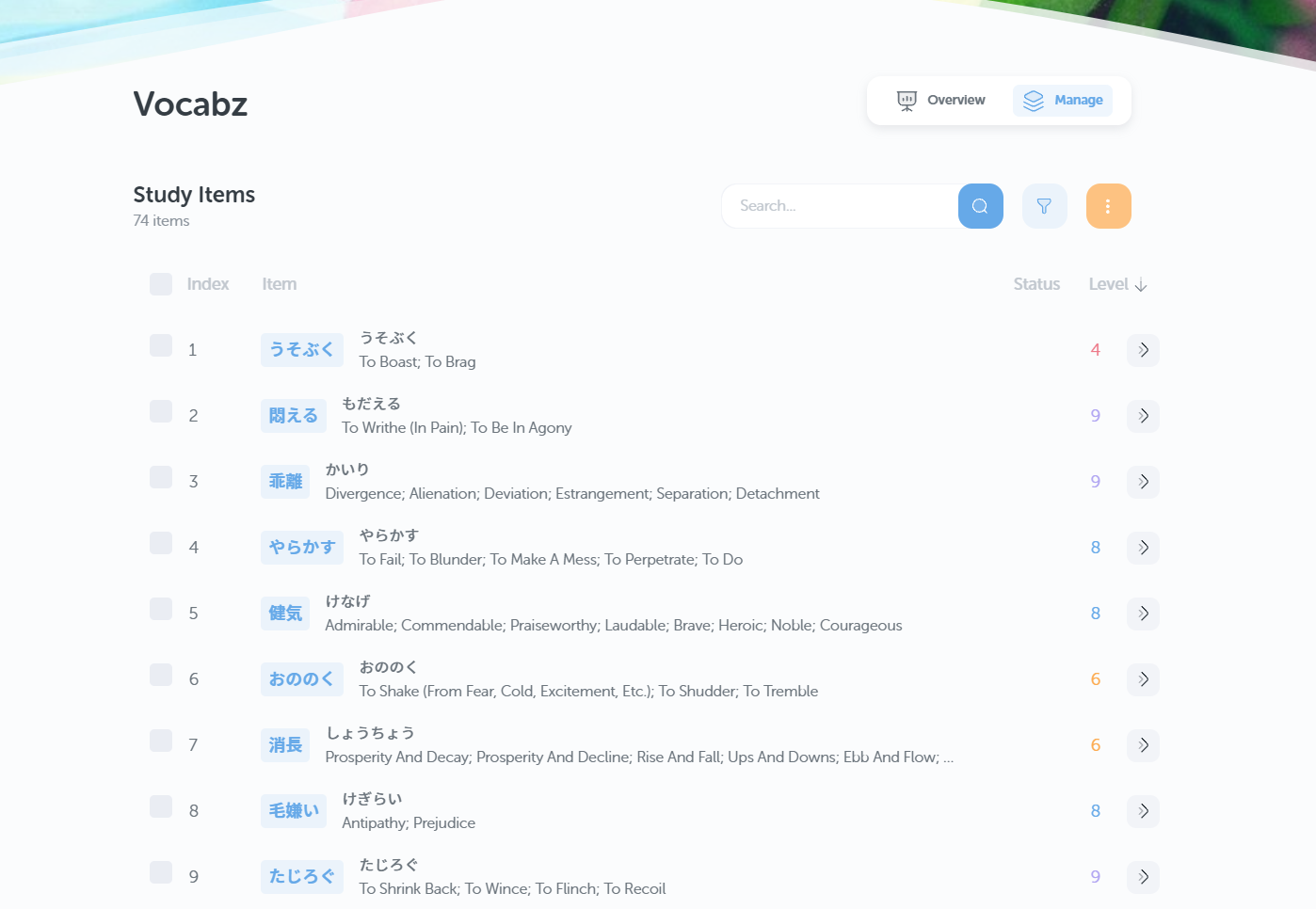
This gives you an overview of all the items in your list!
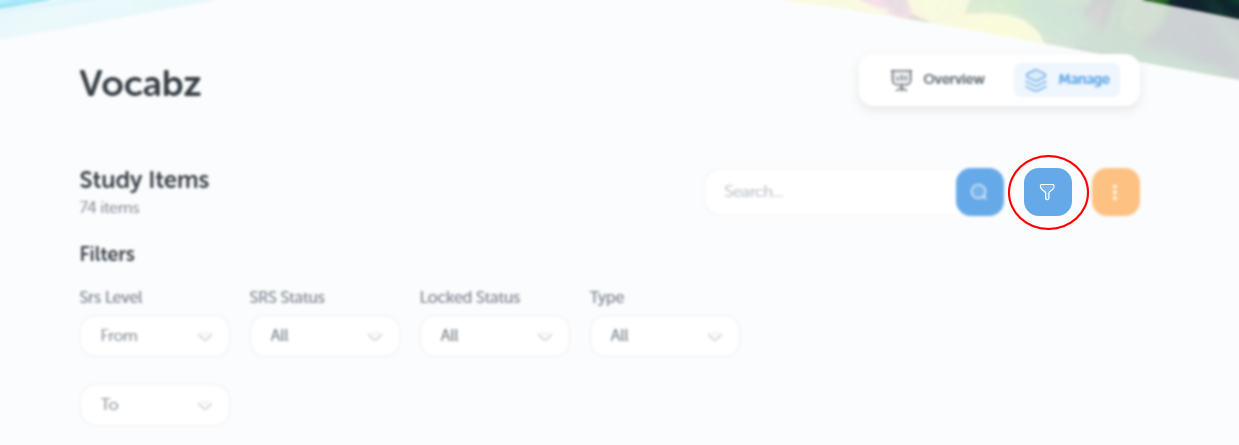
You can click on this button here to toggle filters and look up specific items:
Click on the yellow three dots for a very handy drop-down menu:
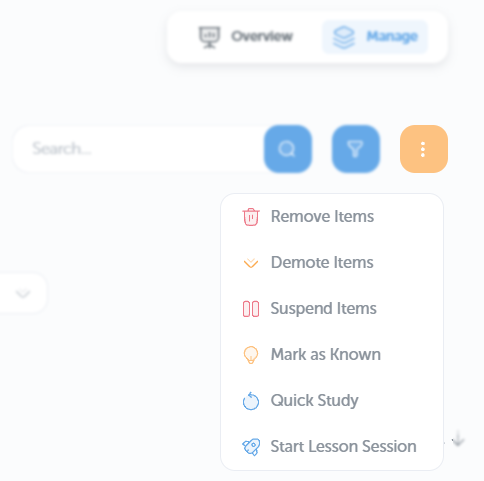
From here, you can remove, demote, or suspend selected items. You can also mark selected items as Known (this means they will no longer show up in your lessons and reviews), start a quick study session, or a lesson session.
Adding items to study lists
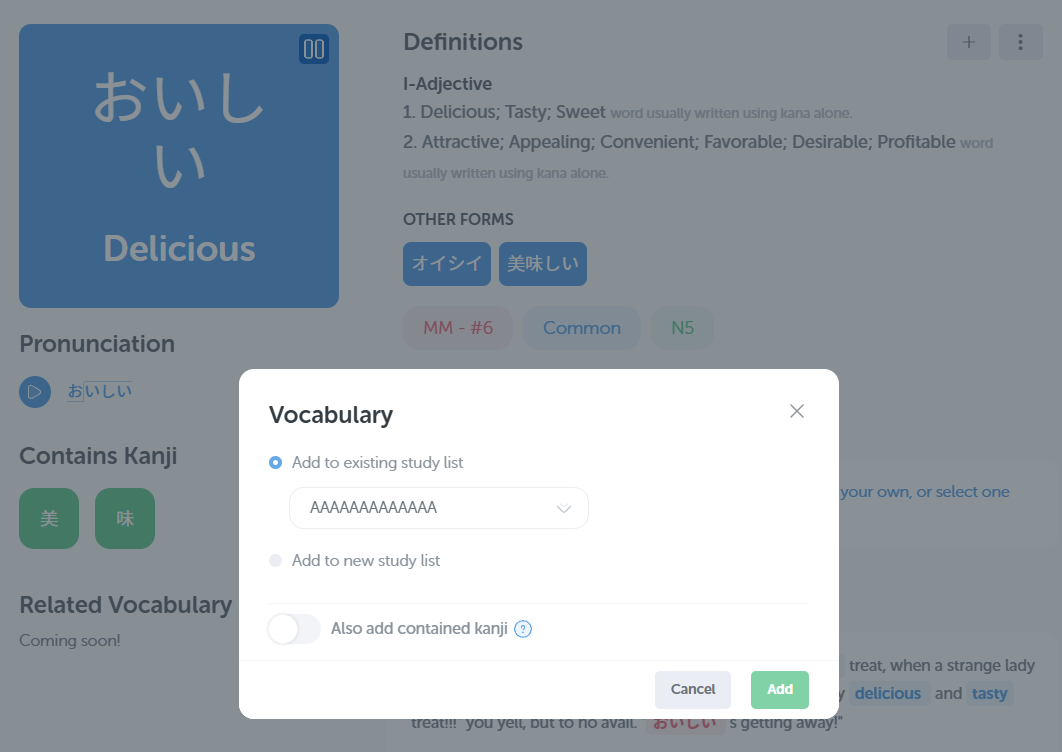
You can add any item in the dictionary to a personal study list! Simply search the item you'd like to add, then click the + in the top right corner to add it to any of your personal study lists:
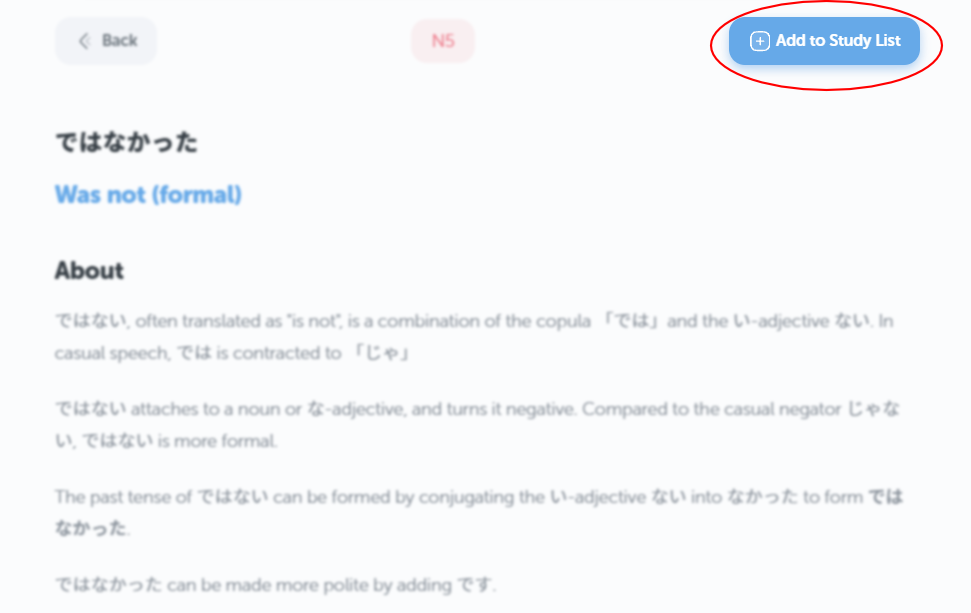
Grammar points can be added in a similar way from the grammar library. Simply click on the "Add to Study List" button!
You can also add an external list of vocabulary/kanji via our import tool! Simply go to Resources → Study Tools → Imports and select the "Study Lists - Text Import" option:

And that's it! Hope you've got everything you need to make that awesome study list!