 Marumori
MaruMori Knowledge Base
Learn how to use MaruMori and study Japanese effectively
How to create your own study lists (and how to add items to them)!
How to create your own study lists!
Creating your own custom study lists is super easy, and a great way to study specific vocabulary/kanji or even grammar!
To get started, click on Study Lists:

Then, scroll down and click on "Add New":

You'll then see a pop-up where you can choose a title, description, set a custom image/header, and choose the number of daily lessons you'd like. Once you've got your list set up to your liking, hit "Add" at the bottom:
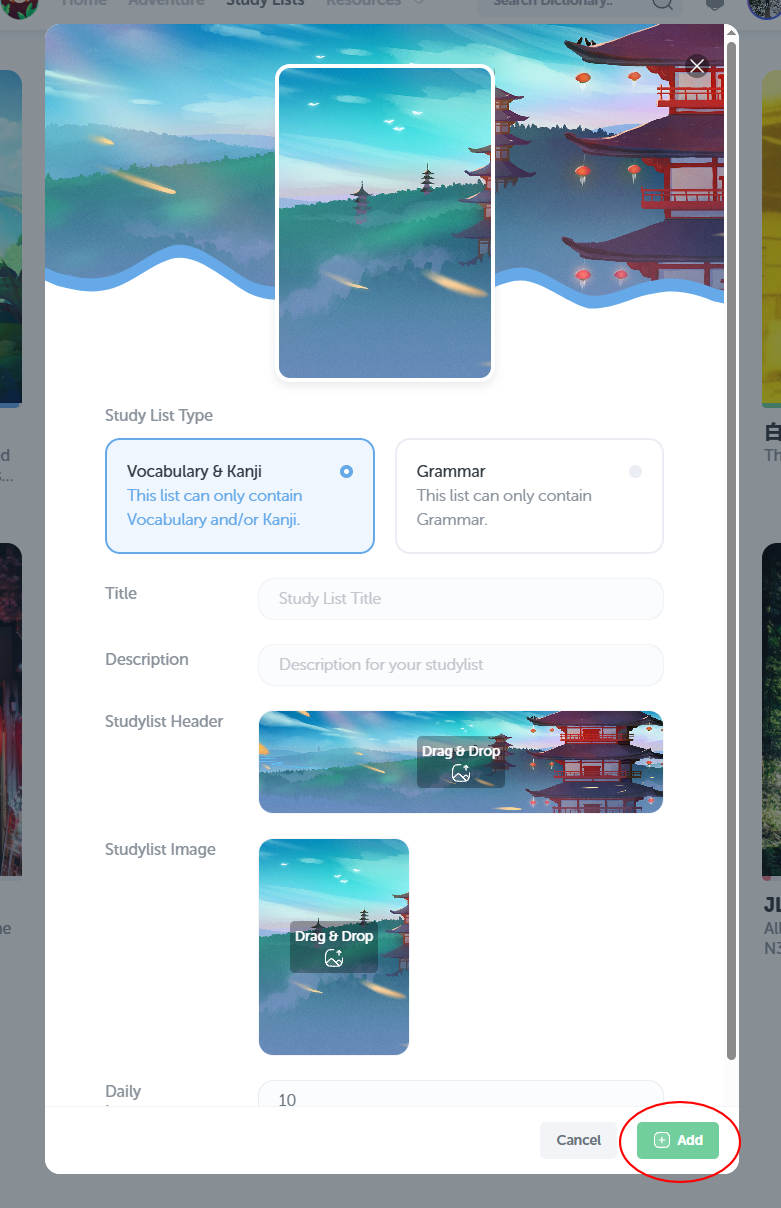
And just like that, you've created a new study list!
How to add items to your study lists!
A custom study list is great and all, but you'll need to add some items to it to make use of it!
The two main ways to add items to a custom study list are through the dictionary, and through our import tool!
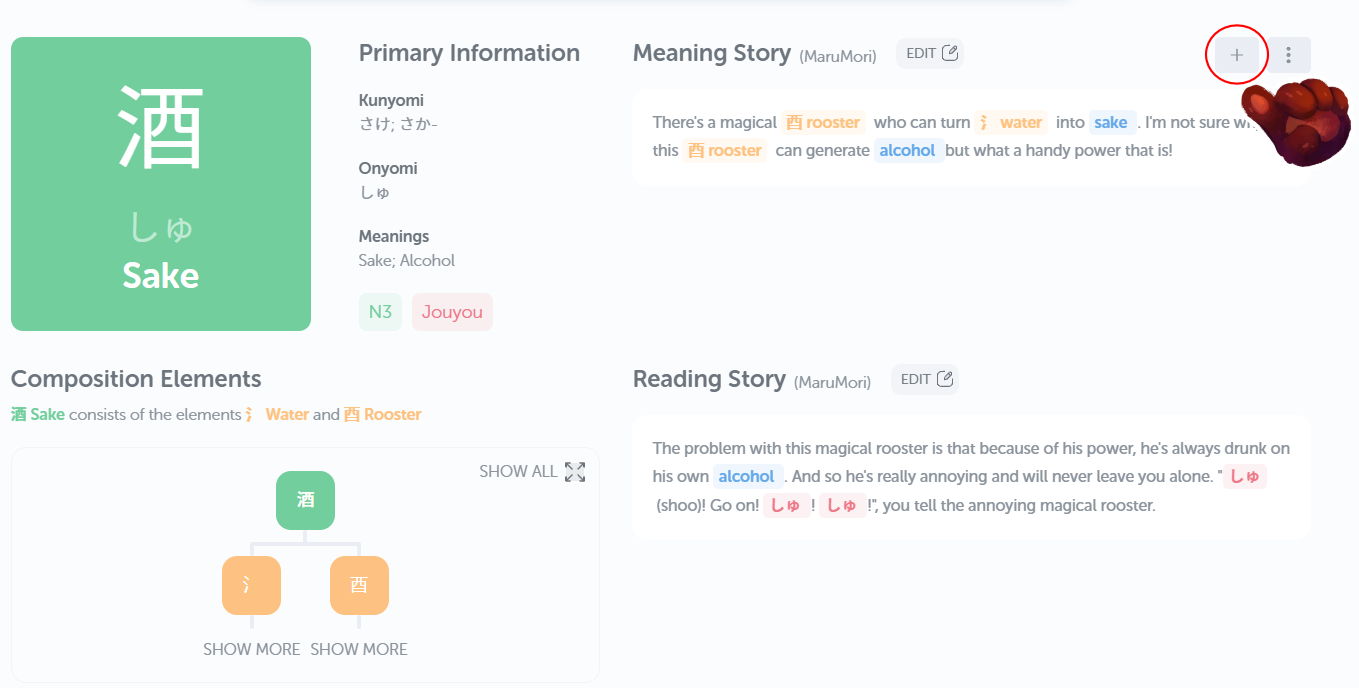
To add items from the dictionary, simply search for any word or kanji, and then hit the plus in the top-right corner!
You can access our import tool here:
https://marumori.io/tools/imports
From here, simply select the "Study Lists - Text Import" option, and follow the import instructions!
Grammar points can be added to study lists via the "Add to Study List" button in the grammar library.