 Marumori
MaruMori Knowledge Base
Learn how to use MaruMori and study Japanese effectively
How does the WaniKani Sync/Import work? And how do I set it up?
Syncing with the Crabigator
The WaniKani sync is designed to set vocabulary and kanji items that you've already learned on WaniKani as "known" on MaruMori, so that you don't have to study them twice!
To set it up, first you'll need an active MaruMori subscription (trial accounts won't work, sorry!) and your public WaniKani API Token (v2). Once you have both, head over to your settings page on MaruMori to get started!
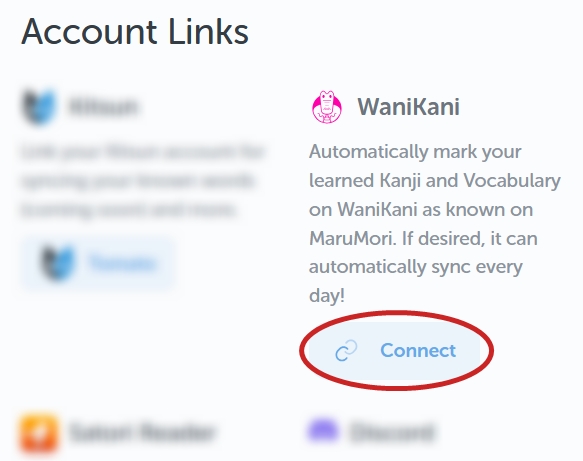
You can start linking your WaniKani account over in the "Account Links" section. Clicking the "Connect" button will open a little pop-up window.
From here, you can select a minimum SRS level for the sync. So if you set it as level 3, only items that are at SRS level 3 and above on WaniKani will be synced. If you set it at 1, anything you have at SRS level 1 and above will be synced. And so forth.
You can also choose whether you want to do a one-time import , or to have the sync happen daily .
Note : If you only want to mark burned items as known on MaruMori, then set the minimum SRS level to 9.
How does the sync handle items I've already learned on MaruMori?
If you've learned an item on MaruMori, and then study it on WaniKani afterwards, it will not automatically be marked as known on MM .
In this case, "learned" means that you've levelled up the item to at least SRS level 1 on MaruMori. If the item was only unlocked and not learned , then it will be marked as known .
Note : Both of these scenarios assume you level the item on WaniKani to the minimum SRS level you set for the sync.