 Marumori
MaruMori Knowledge Base
Learn how to use MaruMori and study Japanese effectively
Mini Games
What mini-games are there in MaruMori?
If the usual studying methods just aren't clicking for you today, MaruMori has a bunch of mini games for you to play while still getting your study hours in!
As of September 2025, we've got:

Wordle
Crosswords
The Kana (typing) Game
Kanji Imposters
(Other games such as "Shiritori" and "Kanji Shuffle" coming soon!)
To find our mini-games, hover over "Resources" in the navigation bar at the very top of the website. Under it, you will find "Mini-games", feel free to click on that!
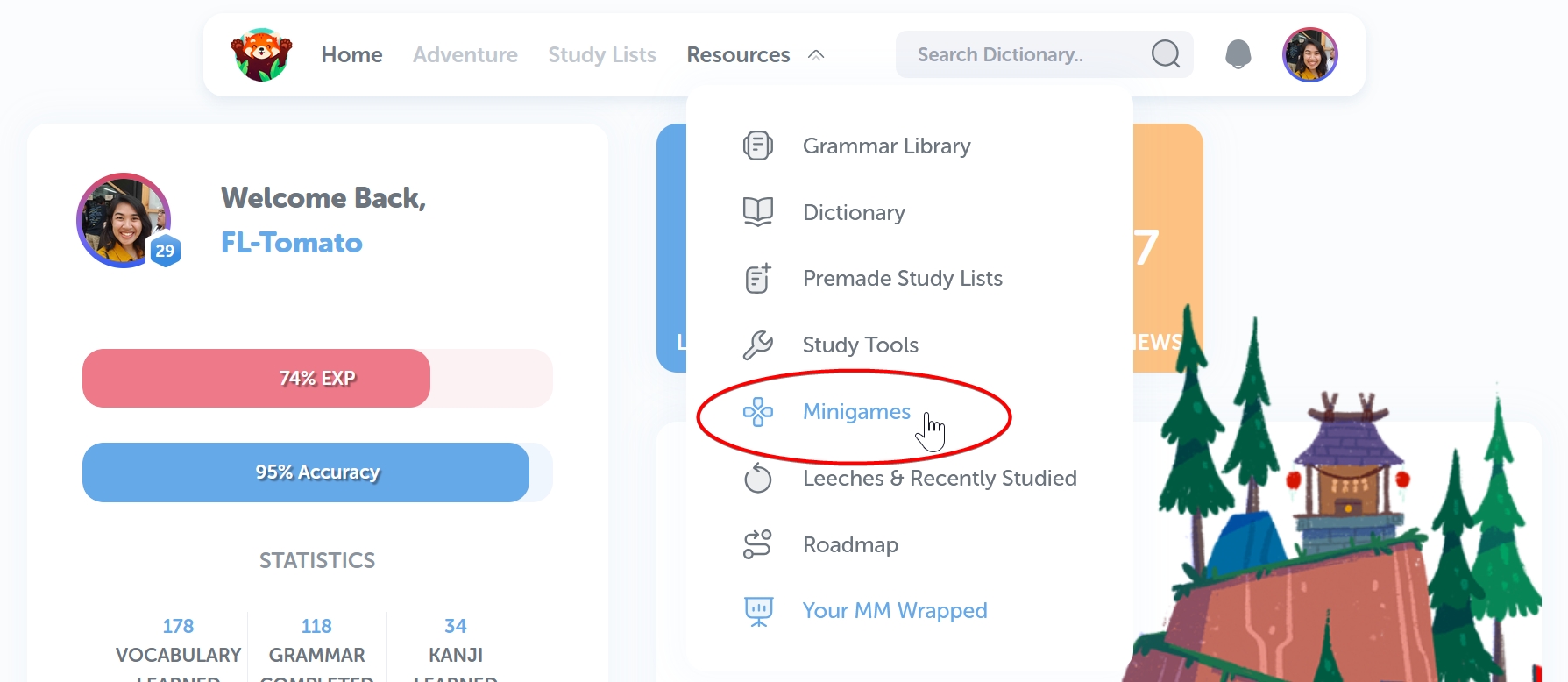
Here, you will find all the mini-games we currently have to offer (and will soon offer).
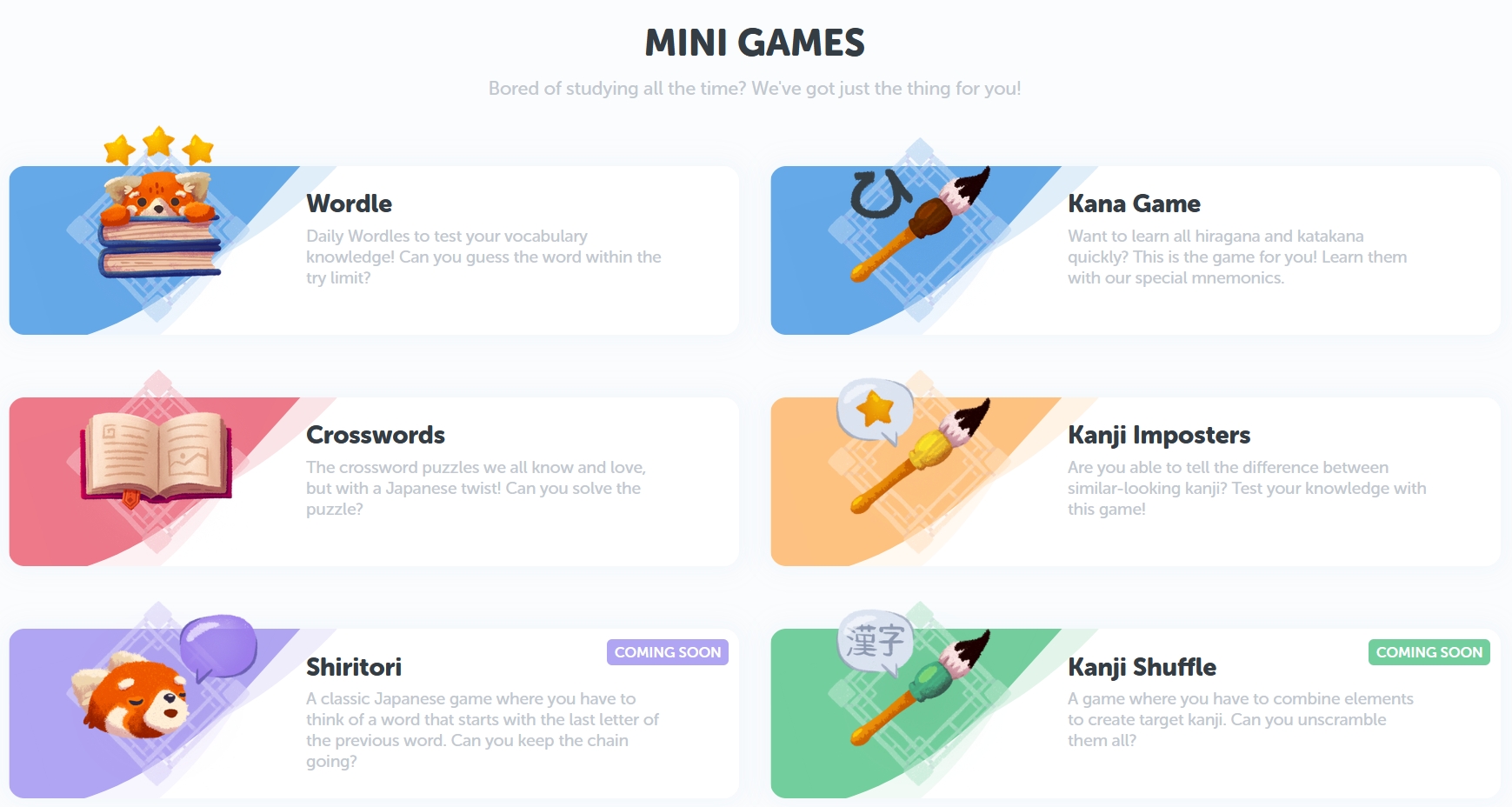
Let me tell you about each one, and how to play 'em!
Wordle
As the name suggests, this mini game is inspired by the popular web-based word game: Wordle! (But, y'know, instead of guessing an English word, it's a Japanese word.)
If you've never played Wordle before, the objective of the game is super simple: figure out the "word of the day", but you only have 12 guesses to get it right. Don't worry though, you'll get hints along the way.
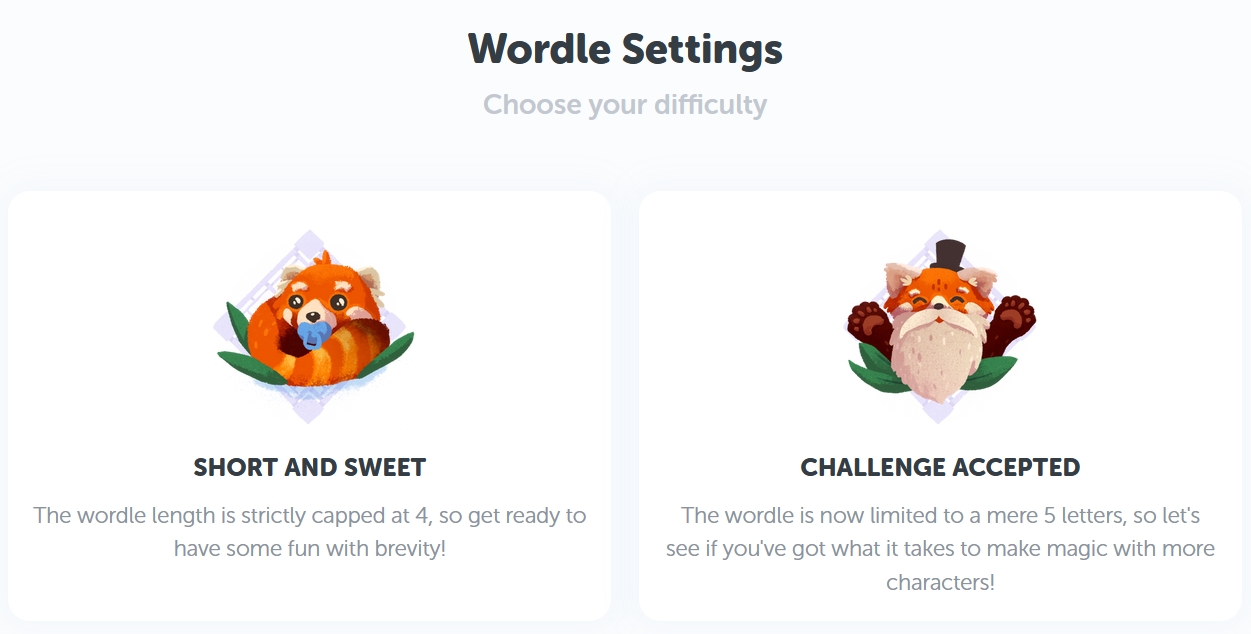
To begin, choose your preferred difficulty. If this is your first time playing, I would recommend clicking on "Short and Sweet" to get a feel of the game first. Otherwise, it's all up to you!
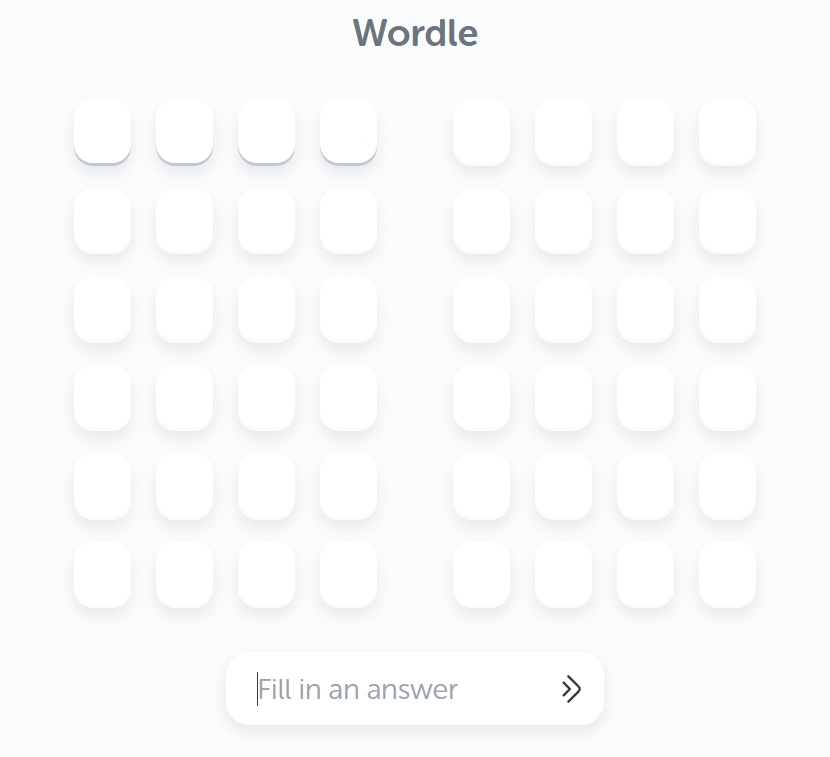
After choosing, you'll be taken to the Wordle game screen, which consists of two columns containing 6 rows of four/five blank boxes, and an input box that says "Fill in an answer" right at the bottom. When you're ready, take a whack at your first guess by typing in a four/five-kana word, and press enter!
Now, unless you're some kinda Celestial Wordle Being, odds are you didn't get that right first try. That's okay, 'cause here's where the fun really begins!
You'll see your first guess is now in the first row of the left column, but depending on your guess, you'll notice some arrows, or maybe the color green or yellow that's highlighting a kana. Those are your hints!
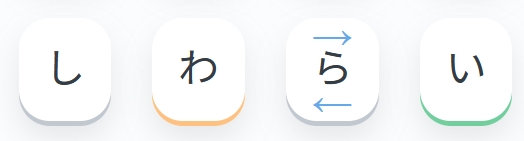
Let's start with the arrows:
The arrows are to reference the "Hints chart" below (you might have to scroll down a little further to see it).
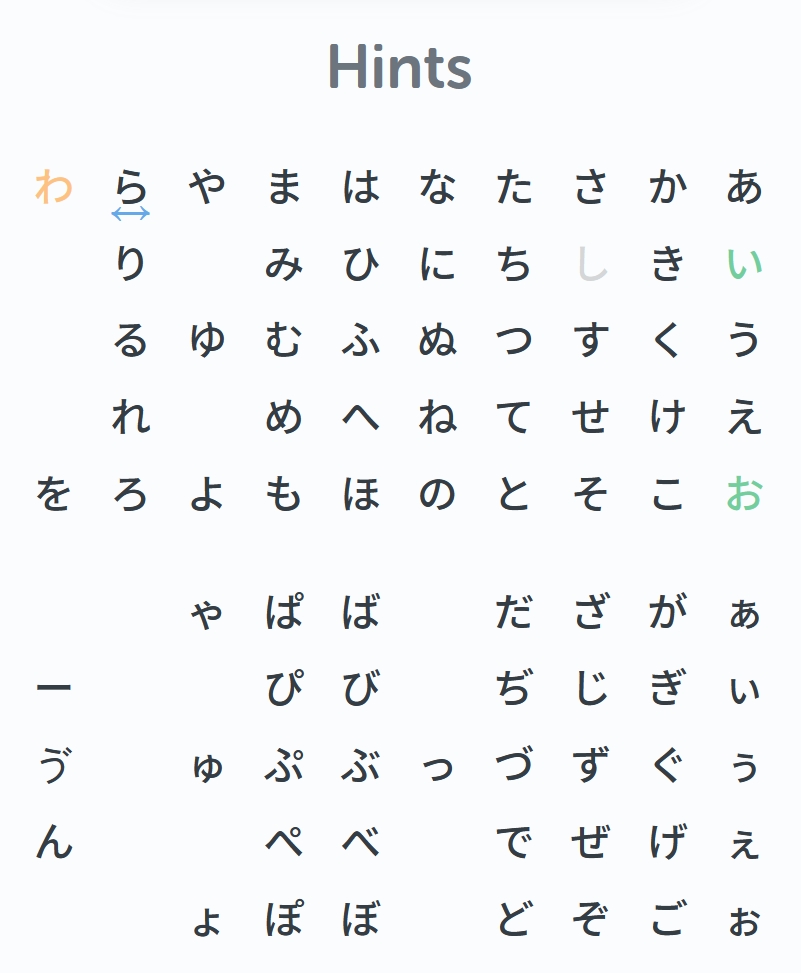
If the arrows are pointing up and down (↑↓), it's a hint to say that the right kana for this square is on the same column as the one you just guessed (e.g., い is wrong, but one of あ/ぁ, う/ぅ, え/ぇ, お/ぉ is right!).
If the arrows are pointing left and right (← →), you're looking for a kana that's on the same row (e.g., ら is wrong but the right one is among わ, や, ま, は, な, た, さ, か, あ!).
You can also hover over a kana in the chart to better distinguish the different rows and columns!
And for the colors:
Grey means that this kana isn't used in today's word of the day at all. Try another random one!
Yellow means you got the kana right, but it's out of place. Try another word that has that kana in a different position.
Green means you got it right, both the kana itself, and its position. If you get it all right, all the squares will turn green!
I think that's about it! Ready to guess the "word of the today" for today's Wordle? Best of luck!
Crosswords
A classic word game, but with a Japanese twist. Test your vocabulary knowledge with a game of crossword! This game probably speaks for itself, but of course, I'll be glad to still show you around and tell you how it works.
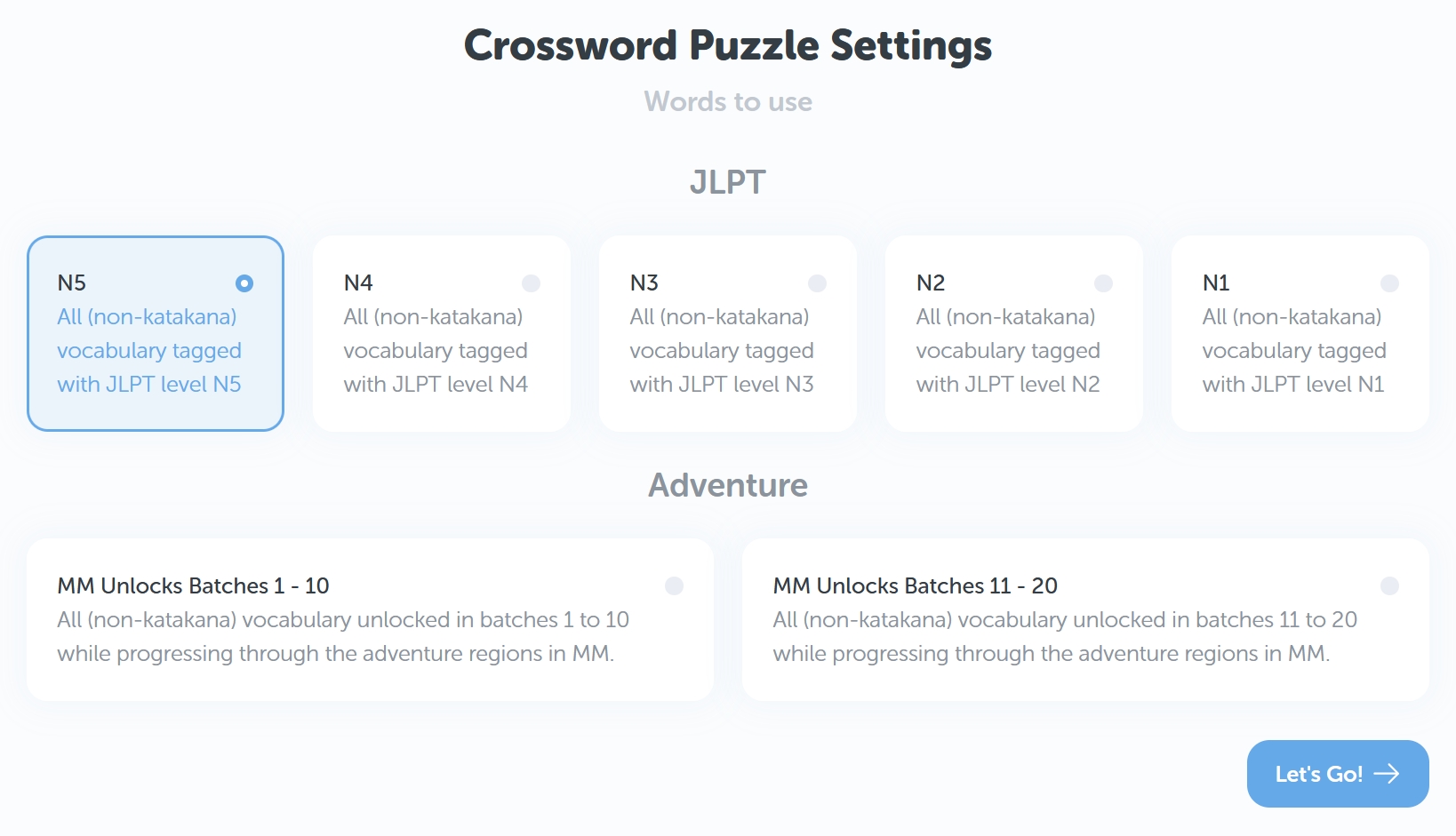
You start by choosing which words are to be used in the game. You can either pick a level of JLPT, or a range of Adventure unlock batches. Once you're decided, click on "Let's Go!".
Your game will then load, showing you intersecting rows and columns of empty blank boxes. When you click on a blank box, the description of the selected row/column will pop up below, as well as an input box.
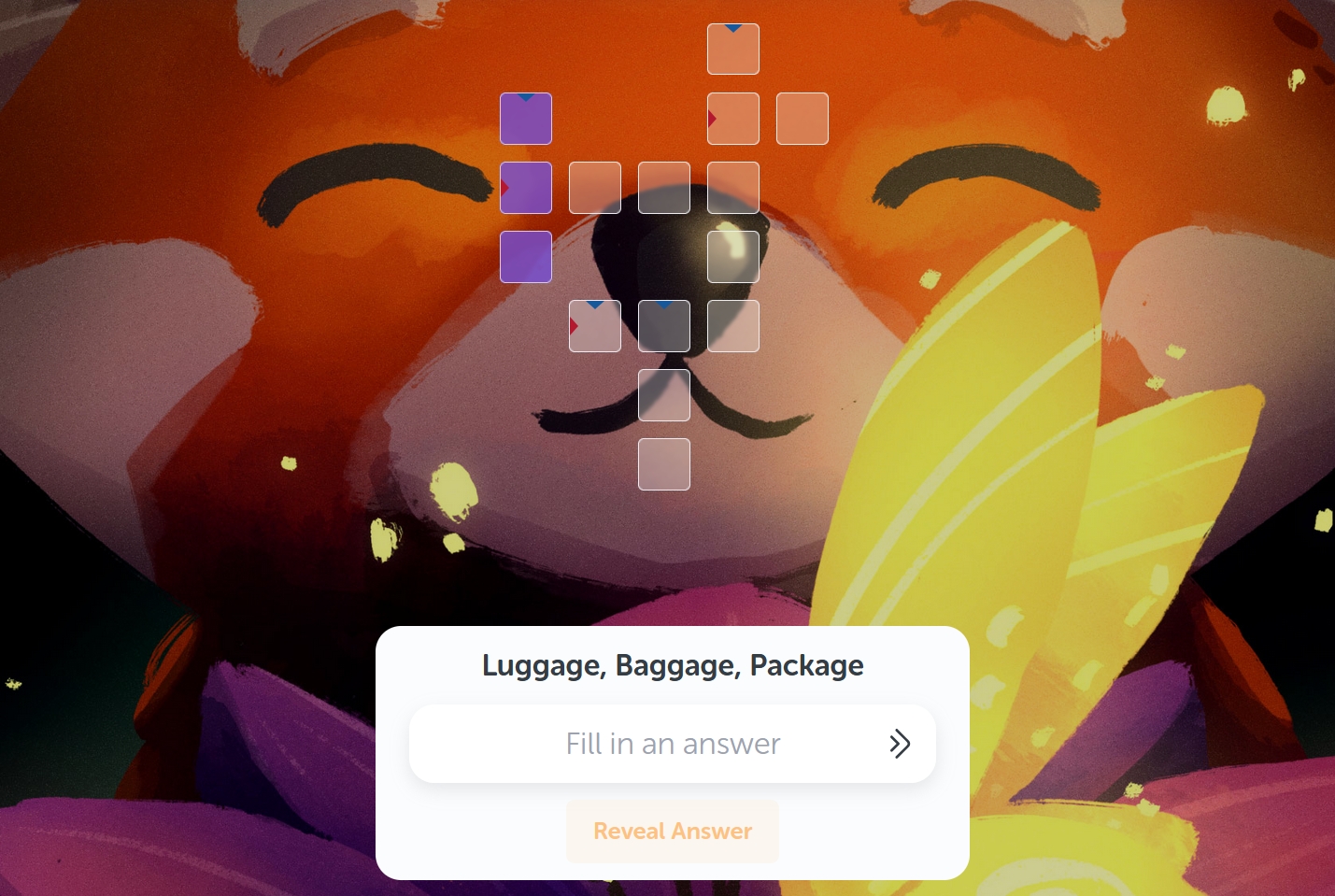
From here, the rules are pretty simple! For every column or row you select, there will be a corresponding word you have to guess based on the description shown (e.g. "Luggage, Baggage, Package"). When you've got a guess, type it out in the input box and press enter. (But if you're blanking on an answer, feel free to click on a different box for now. You can always circle back!)
If the word appears as color red, you got it wrong and you'll have to try another guess. If it's color green, you got it right!
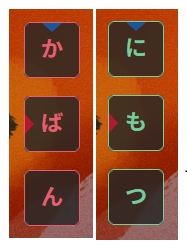
Keep making guesses until every box is filled and every kana is colored green to win! (No pressure though, if you're getting frustrated, feel free to click on the ”Reveal Answer” button. No one's judging!) Best of luck!
The Kana (typing) Game
Let's face it, even with the help of mnemonics, memorizing hiragana and katakana can be a real pain in the tushy. But that's where The Kana (typing) Game comes in real handy. There's a built-in tutorial in the game, but I'll show you how to get started!
First, pick whether you wanna practice your hiragana, katakana, or both!
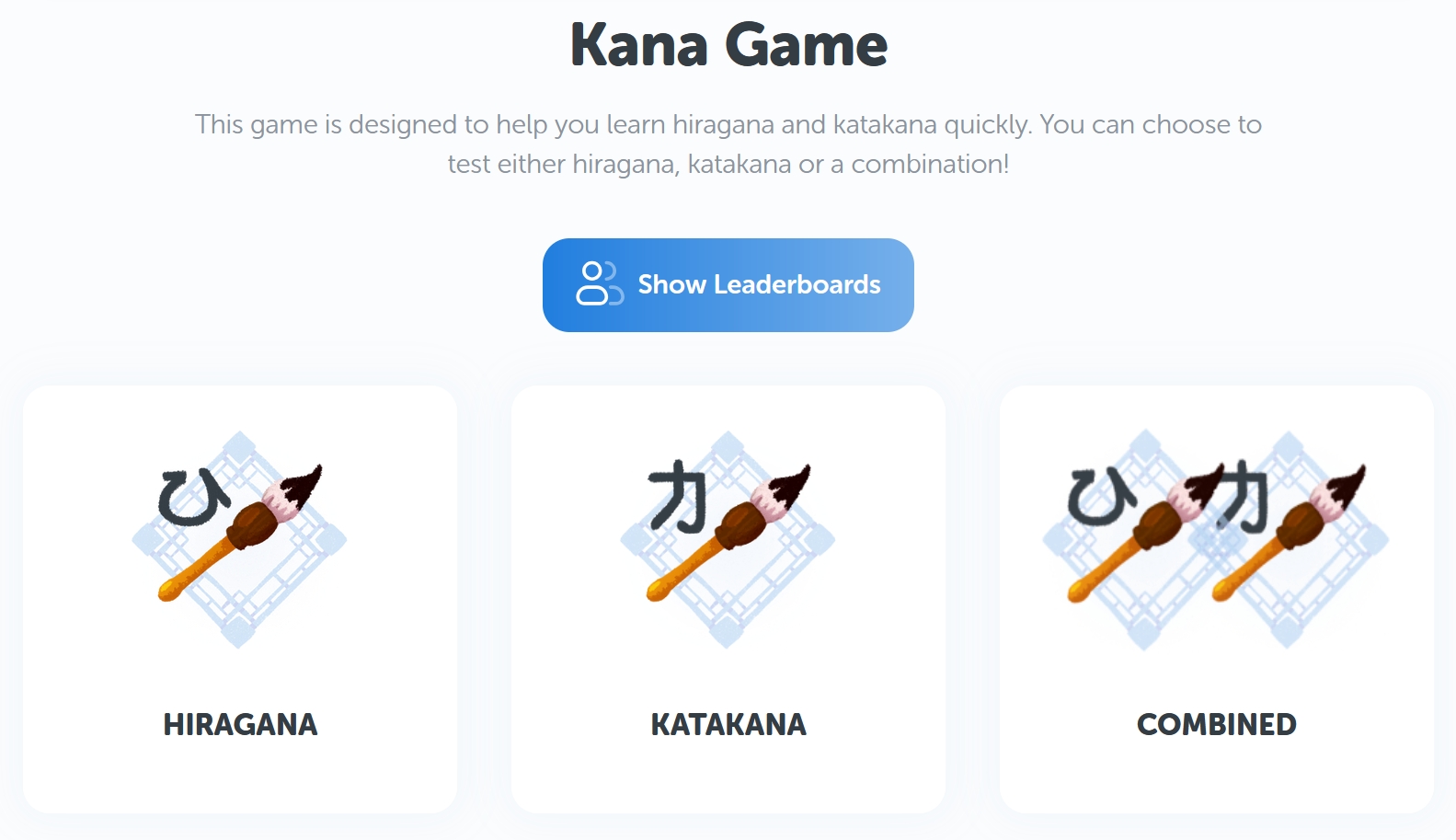
Then you need to pick your game mode. If it's your first time, I suggest picking "Practice" mode. This is where you'll get a more detailed tutorial, so make sure you try this one before anything else! Of course, you can also pick this mode if you really just wanna take it nice and chill.

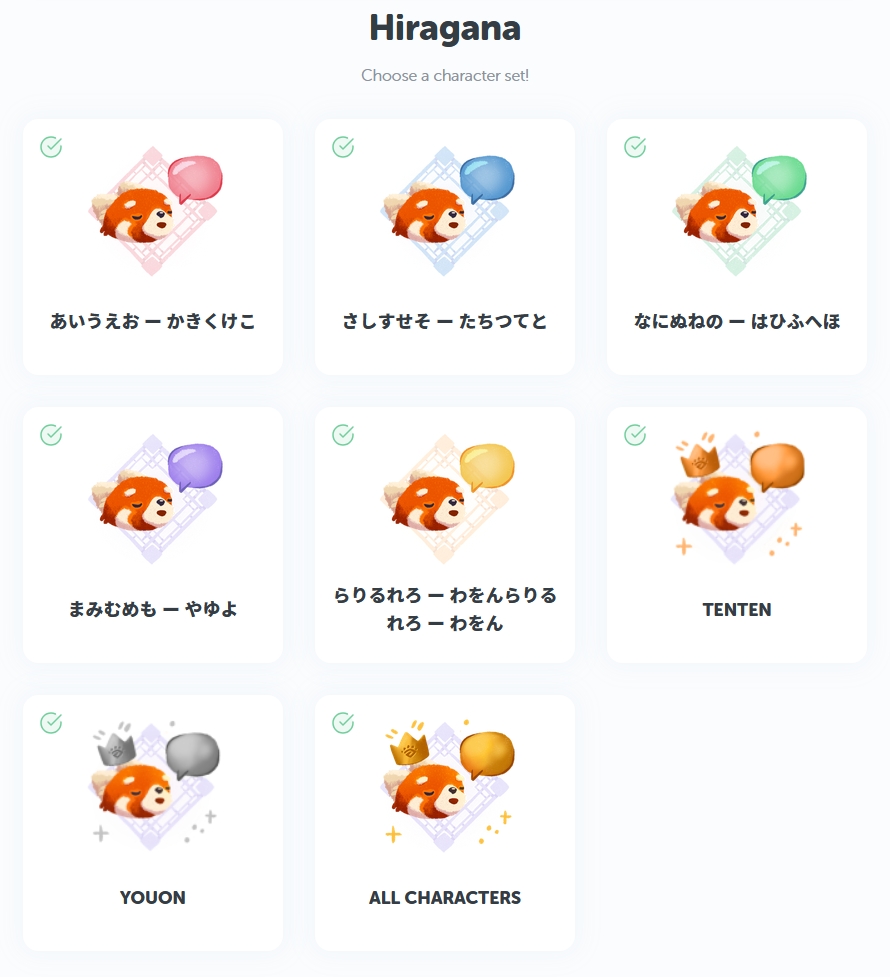
After picking "Practice" mode, pick the set of characters you wanna practice! Clicking on any will then ask you if you need an introduction on how to play the game, and away you go!
If you've already gotten a hang of it, then you might wanna challenge yourself with "Endless" mode. In this one, the game will keep going for as long as you can keep the kana turtles back, but there's a twist... The kana turtles will keep swimming by faster and faster until you can't keep up! You can only let up to three turtles get away (as indicated by the hearts on the upper left of the screen), so try to get as high of a score you can before that happens and get on the leaderboards! (Fans of the games "Typer Shark", "TypeRacer", and even "Typing Maniac", rejoice!)

That's all there is to it, so good luck!
Kanji Imposters
If you're like me, you might have said something like "If I mistake 末 for 未 again, I'm GONNA LOSE IT!!!" at some point. And that's totally valid. In fact, that's why we came up with Kanji Imposters! A mini game focused on fine-tuning your kanji recognition skills by matching a given meaning with its appropriate kanji while amongst its similar-looking kanji cousins.
Wanna give it a try? Let me guide you!
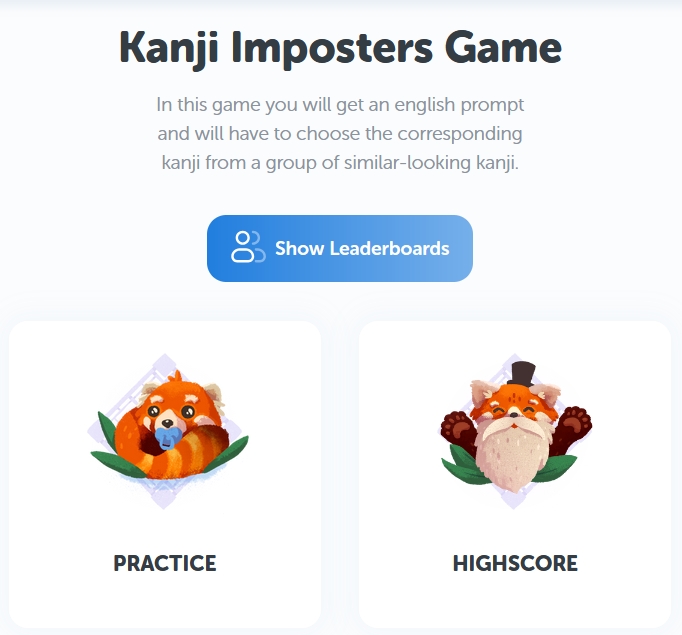
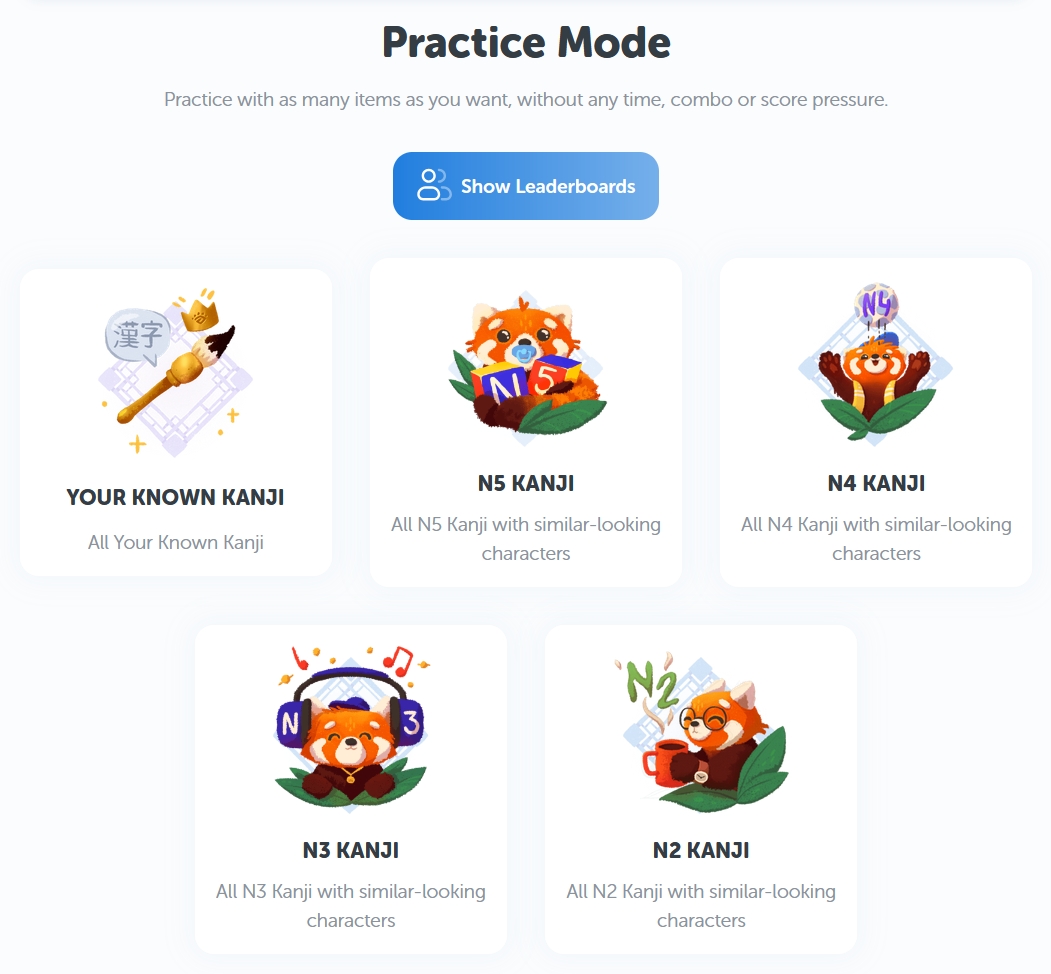
First, pick your game mode. Much like the Kana (typing) Game, I suggest picking "Practice" mode if this is your first time. But of course, you can still pick this one if you wanna have chill session.
Then pick which JLPT level of kanji you'd like to practice with, or if you'd like, simply practice with all of the kanji you know so far! (Note: the "Your Known Kanji" set is not available in Highscore mode.)
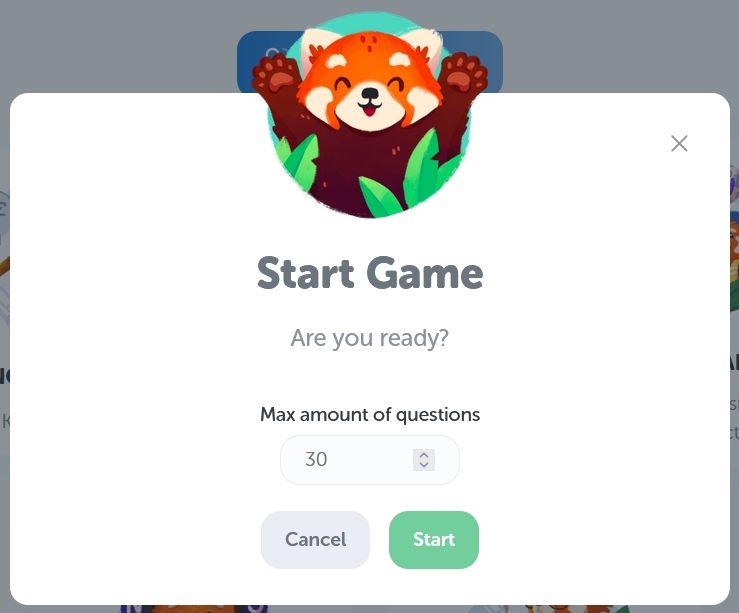
Once you've decided, you'll then be asked for the maximum number of questions you want to be given. 30 questions is the default, which is generally a pleasant and brief session. After that, press start to let the game begin!
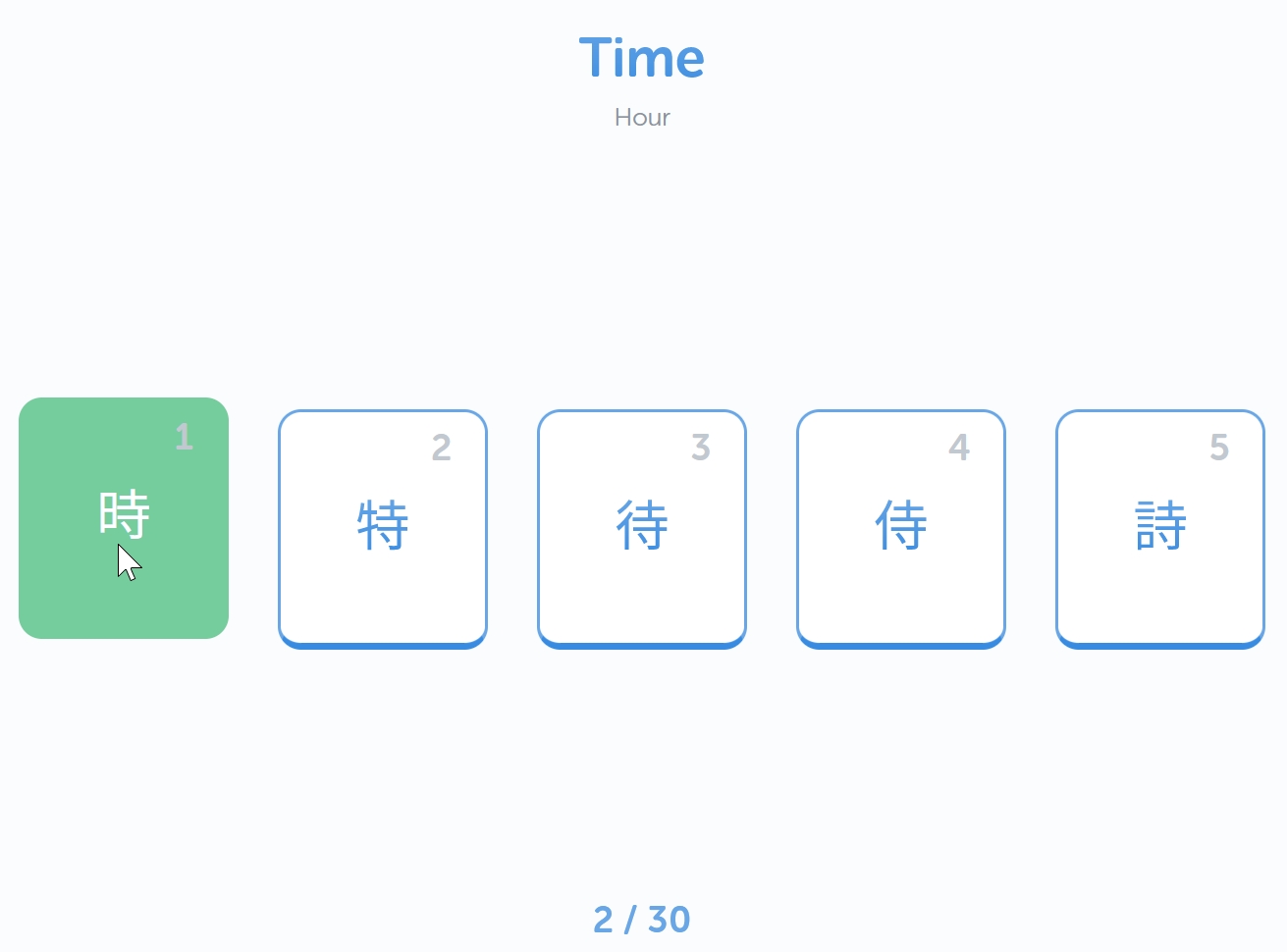
The game is quite simple! You will be given the main meaning of a kanji above (and its other meanings right below), and you have to select which among the presented tiles has the appropriate kanji. If you get it right, the selected tile turns green; if you get it wrong, it turns red, and the correct one is shown.
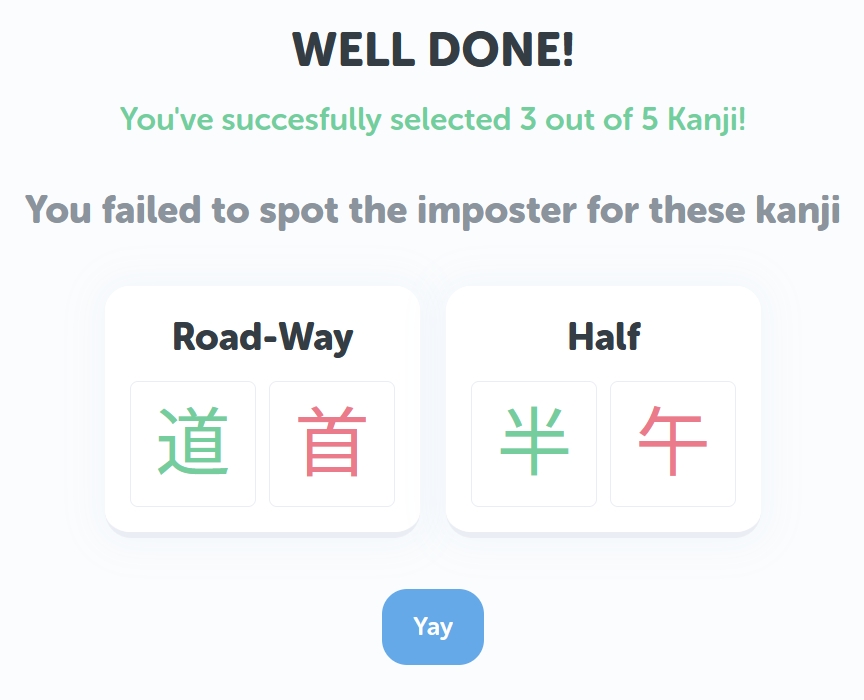
At the end of your session, you'll be shown your score results, as well as the items you got wrong, so you can review them if you wish!
Once you're used to how it all works, try "Highscore" mode if you're craving something a bit more adrenaline-punched! Unlike practice mode, "Highscore" sessions have a time limit, combos and combo breakers, and competitive leaderboards. After all, what's wrong with a little friendly competition? 😉
That's all you need to know to get started with Kanji Imposters. Best of luck to ya!
More to come!
While that's all of the mini games we have at the moment, rest assured we're working on even more. 😉 Stay tuned for future games such as:
Shiritori
Kanji Shuffle
Counter Double Trouble
If you've got any ideas for other possible mini games we could add, do let us know through the MaruMori Discord server or send us an email at support@marumori.io !